Payment Provider: GoPay
The module provides integration with payment gateway https://www.gopay.com
Table of contents
- Odoo configuration
- Payment methods
- Preauthorization
- Refund
- Author
- Contact
Odoo configuration
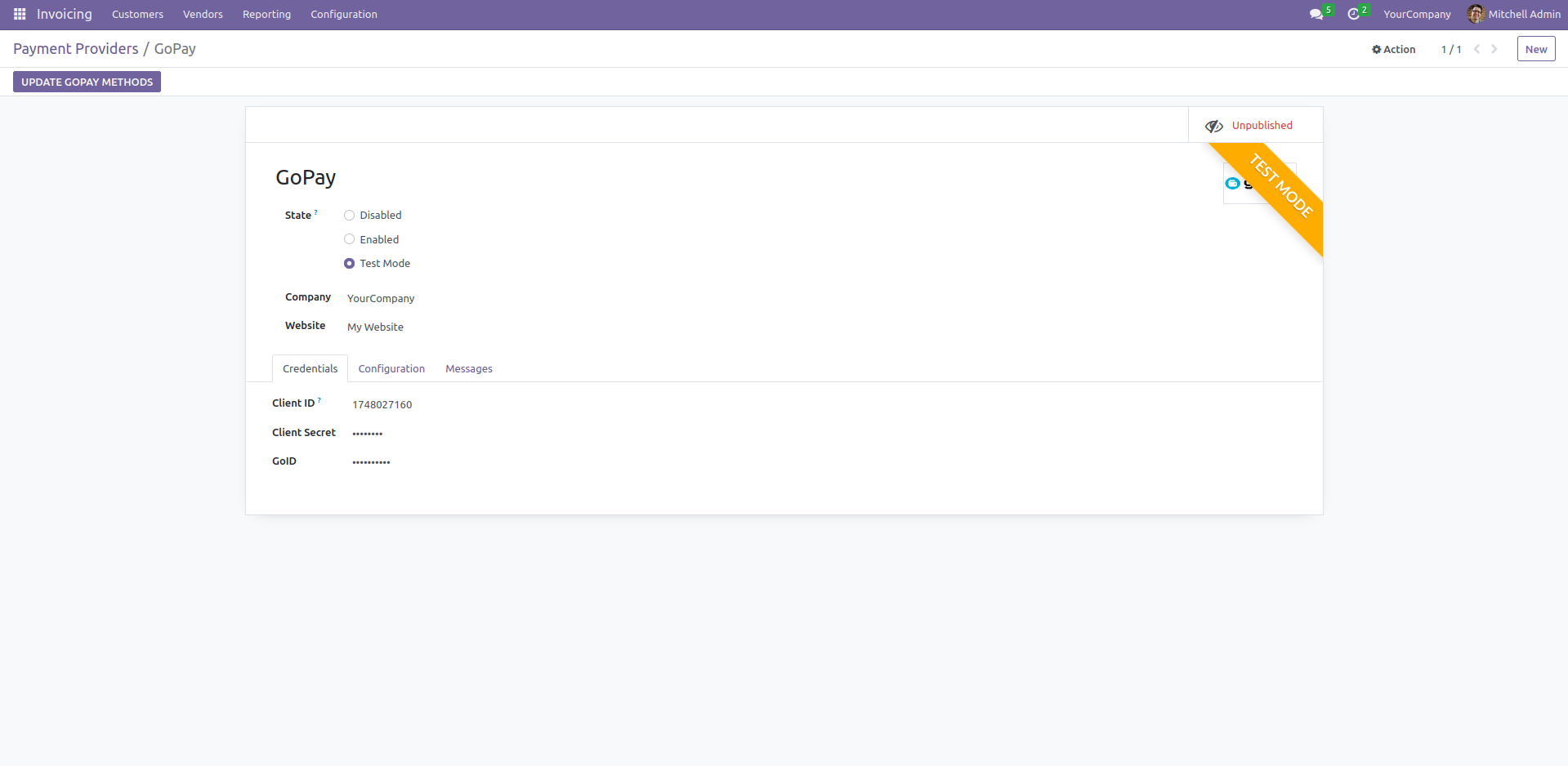
- Go to Invoicing > Configuration > Payment Providers > GoPay (Enterprise edition: Accounting > Configuration > Payment Providers > GoPay)
- Fill Client ID, Client Secret and GoID obtained from GoPay (https://registration.gopay.com/merchant/1)
Payment methods
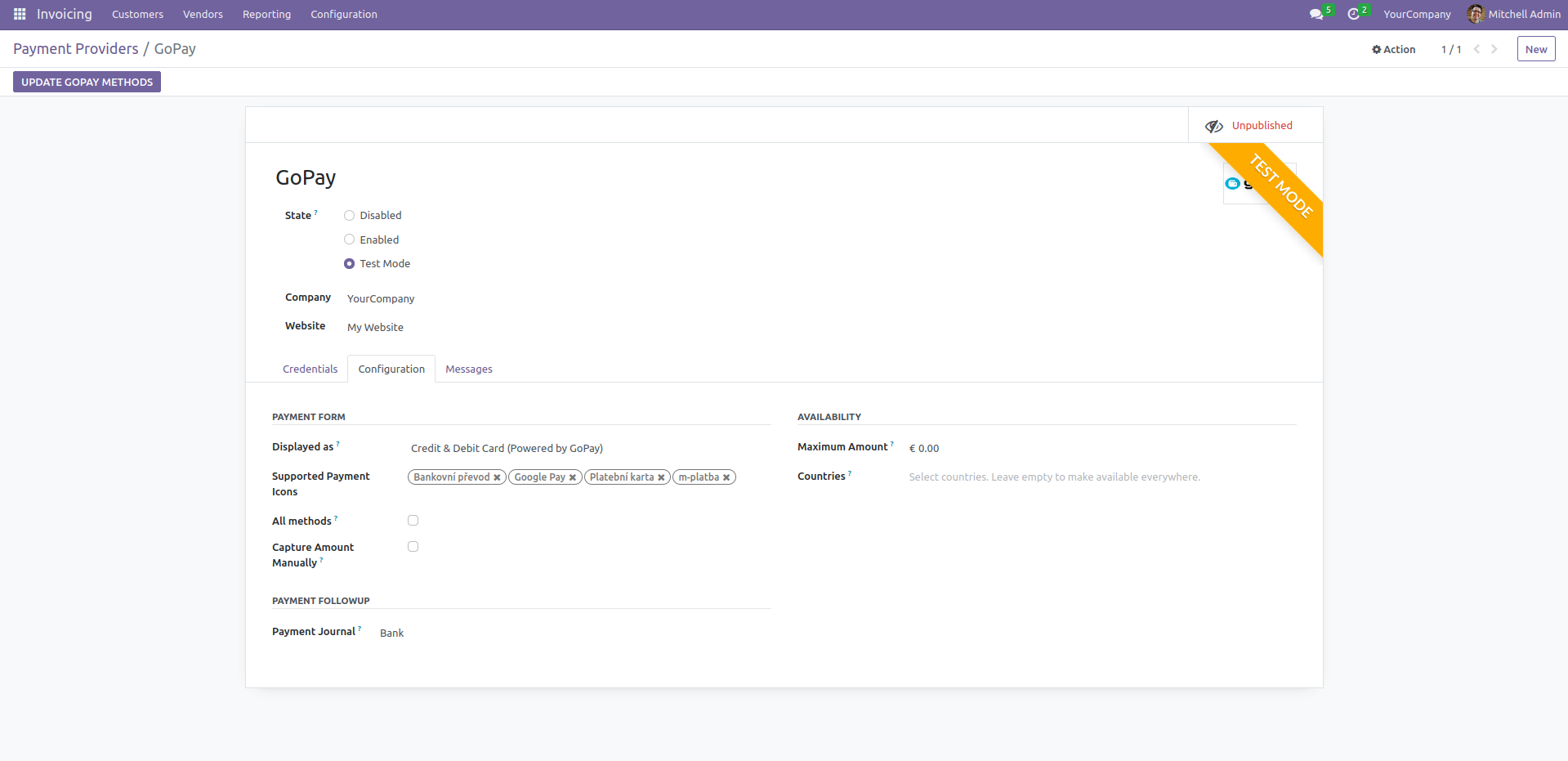
There is option to choose allowed payment methods
- Go to Invoicing > Configuration > Payment Providers > GoPay (Enterprise edition: Accounting > Configuration > Payment Providers > GoPay)
- Press button Update GoPay Methods
- Select supported payment icons or press All methods if you want to support all payment methods
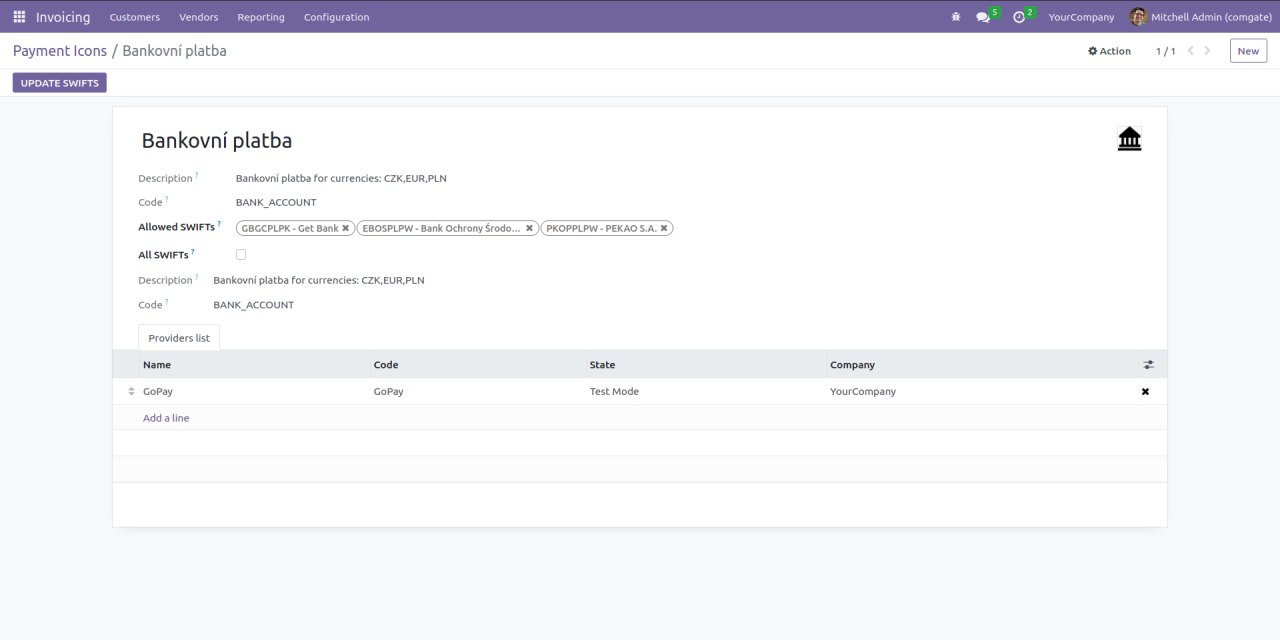
For bank transfer you can choose allowed SWIFTs
- Go to Invoicing > Configuration > Payment Icons > Bankovní platba (Enterprise edition: Accounting > Configuration > Payment Icons > Bankovní platba)
- Press button Update SWIFTs
- Select supported SWIFTs or press All SWIFTs if you want to support all SWIFTs
Preauthorization
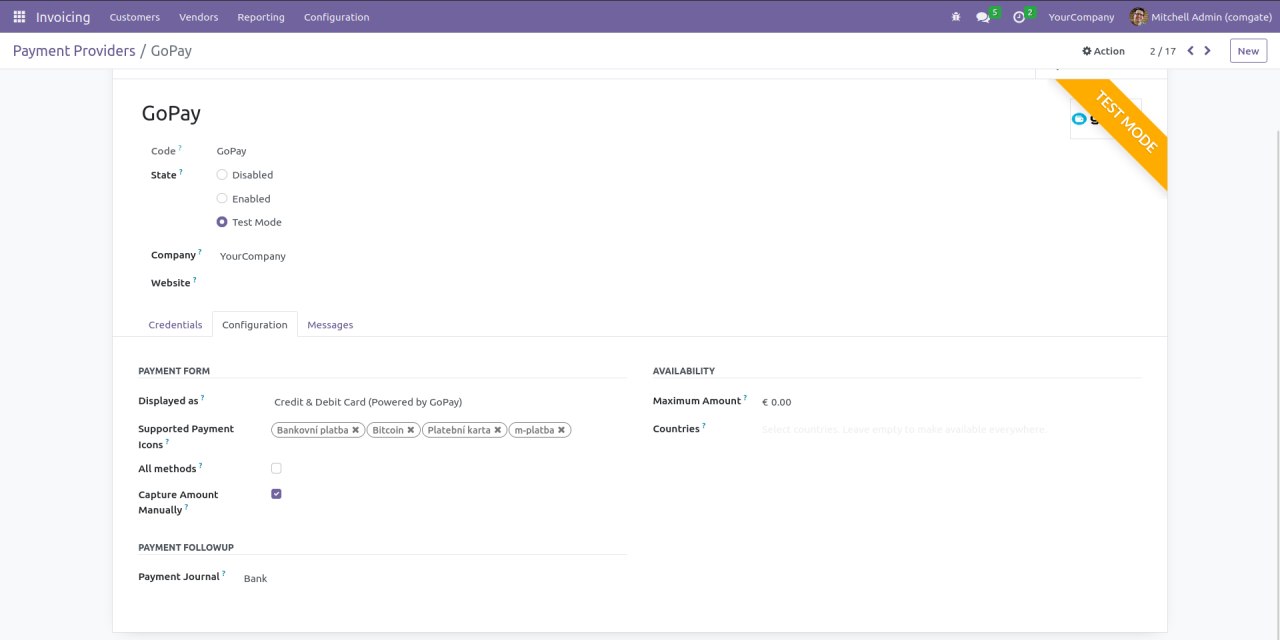
If you want to capture payments you need to:
- Go to Invoicing > Configuration > Payment Providers > GoPay > Configuration (Enterprise edition: Accounting > Configuration > Payment Providers > GoPay > Configuration)
- Enable Capture Amount Manually
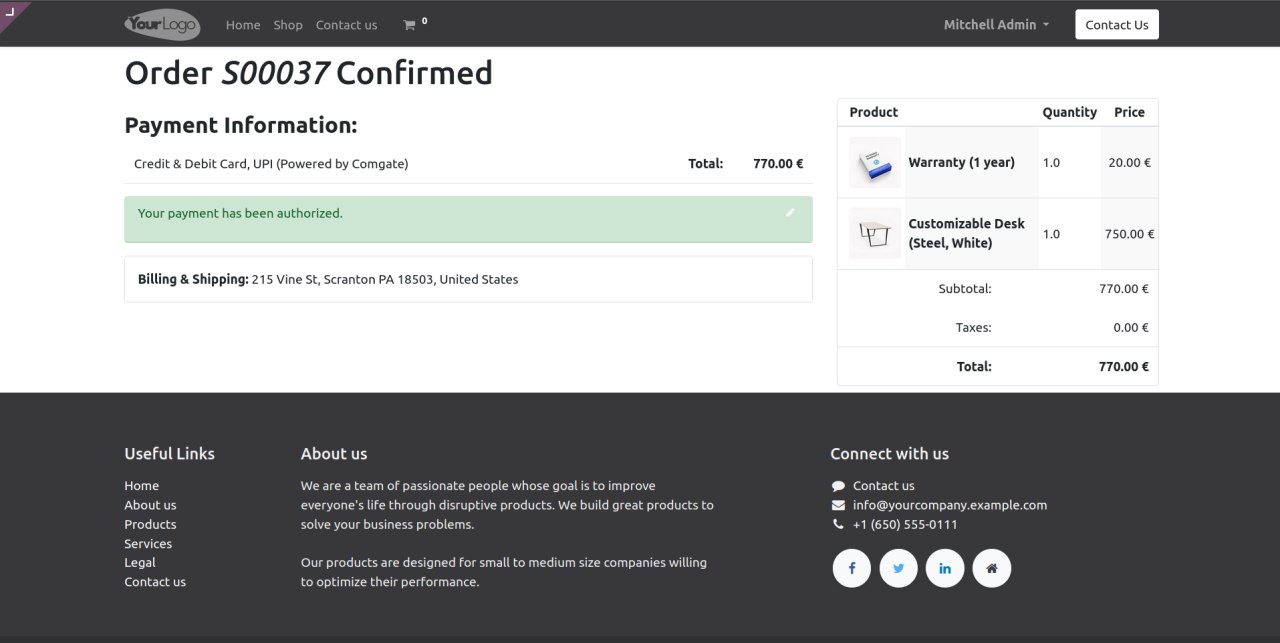
After payment user will see that payment was preauthorized
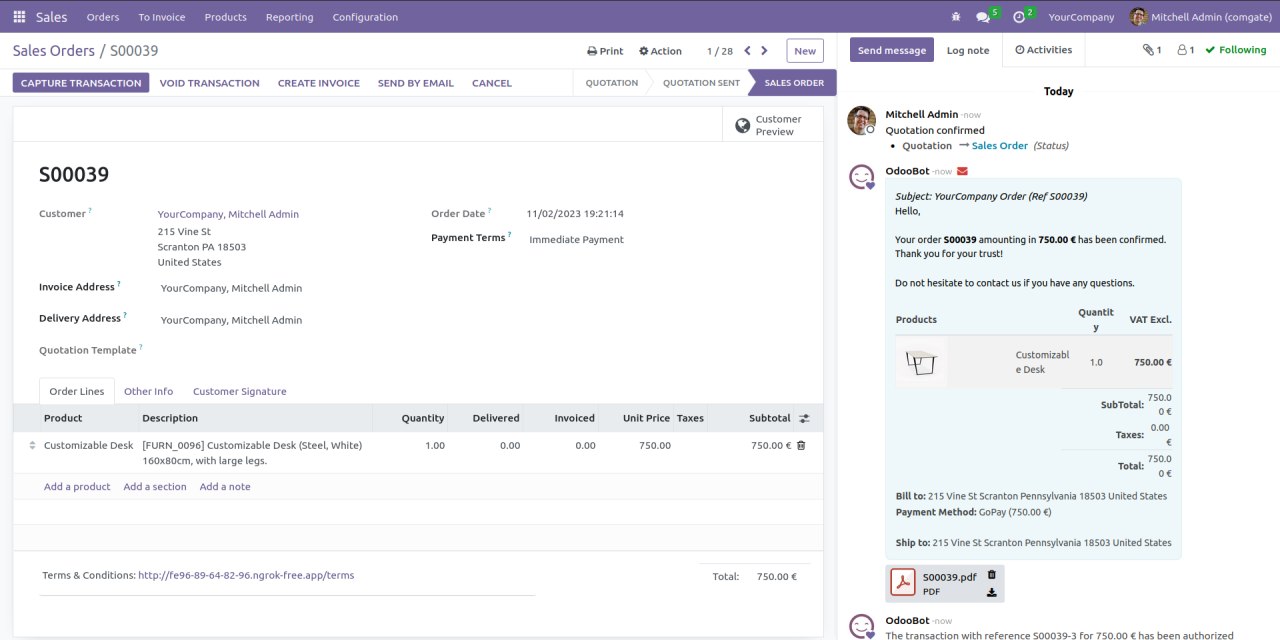
You will be able to capture or void transaction
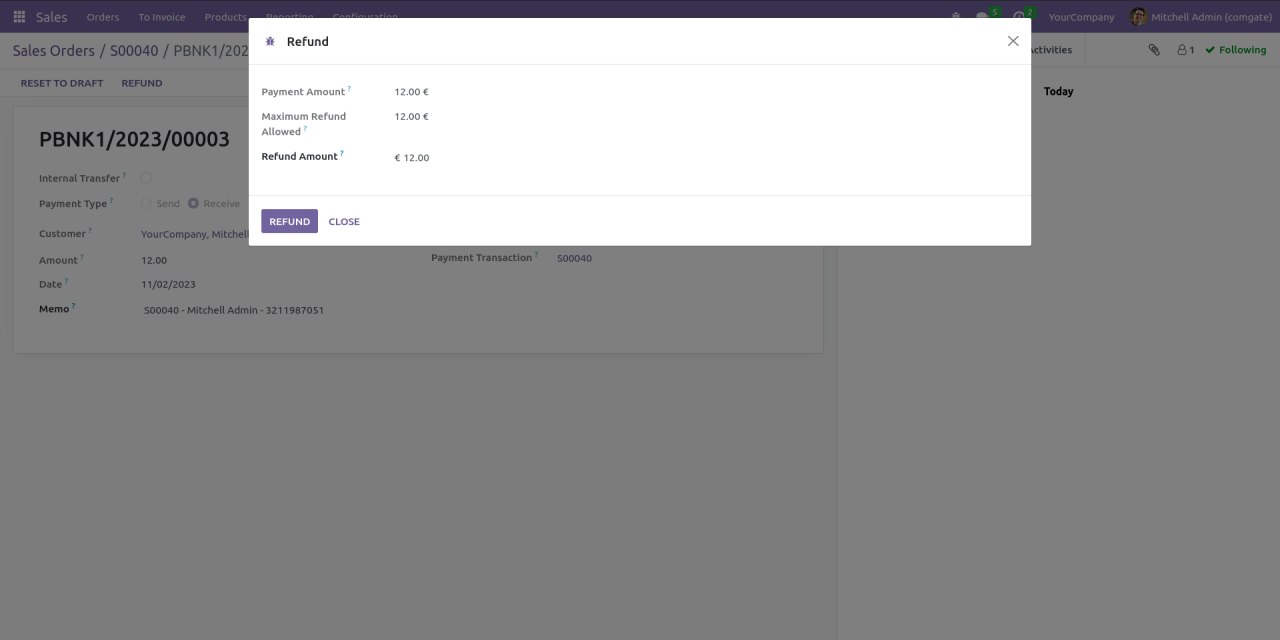
Refund
GoPay supports partial and full refunds.
- Go to Sales > Orders
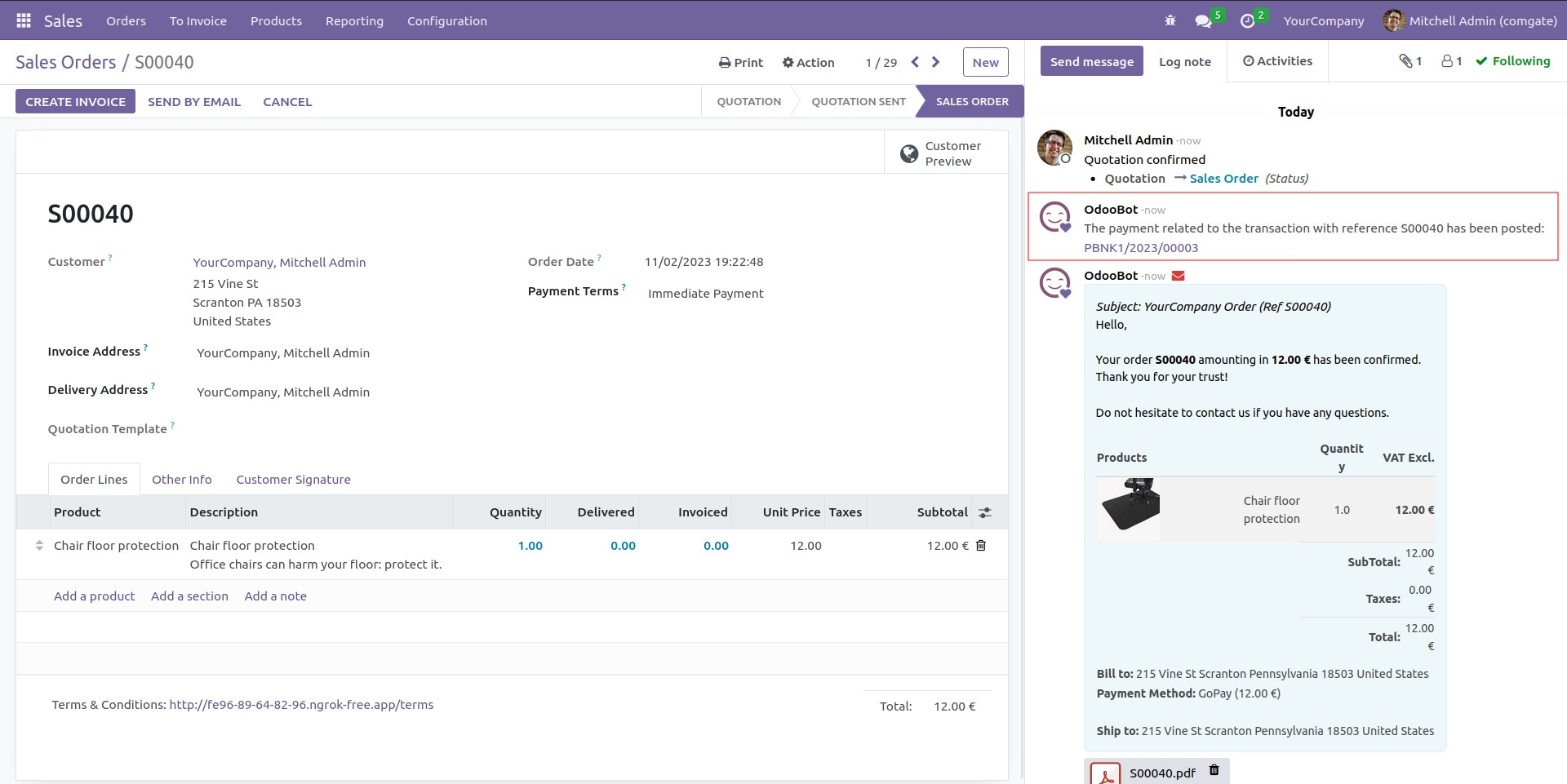
Click on payment related to the transaction and press Refund
A partial refund can only be issued after 24 hours since the payment has been made!
Author
- Data Dance s.r.o.
Contact
Your Dynamic Snippet will be displayed here...
This message is displayed because youy did not provide both a filter and a template to use.