
Payment Provider: Pays.cz
The module provides integration with payment gateway https://www.pays.cz
Table of contents
- Pays configuration
- Odoo configuration
- Payment methods
- Preauthorization
- Refund
- Author
- Contact
Pays configuration
- Contact pays.cz support to set up urls podpora@pays.cz
- Successful online payment https://www.yourdomain.com/payment/status
- Successful offline payment https://www.yourdomain.com/payment/status
- Cancelled payment https://www.yourdomain.com/payment/status
- Background confirmation https://www.yourdomain.com/payment/payscz/return
Odoo configuration
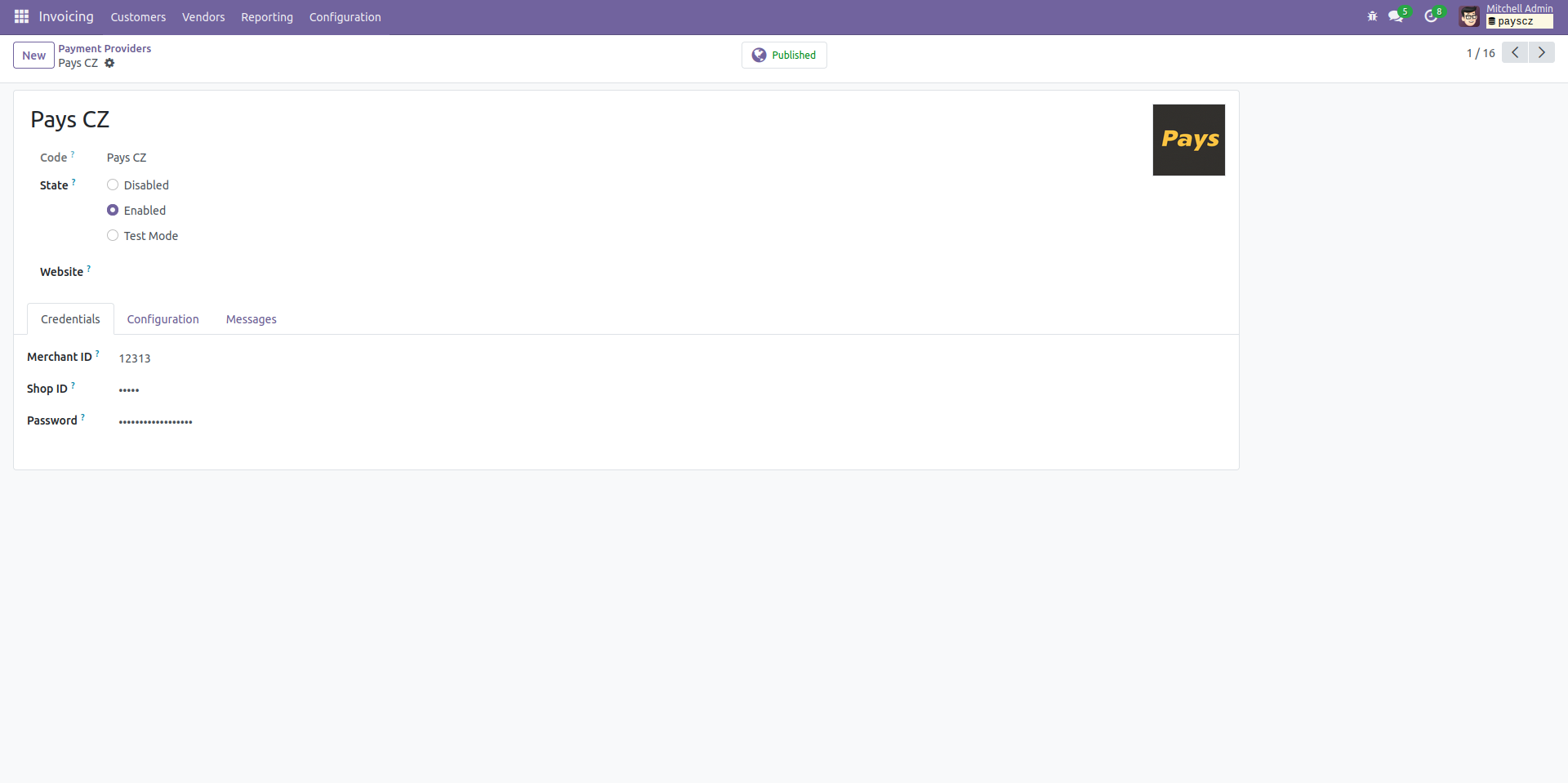
- Go to Invoicing > Configuration > Payment Providers > Pays CZ (Enterprise edition: Accounting > Configuration > Payment Providers > Pays CZ)
- Fill Merchant ID, Shop ID and API password obtained from Pays (https://www.pays.cz/merchants.asp)
Payment methods
There is no option to set allowed payment methods through Odoo. Only through Pays support contact.
Supported currencies
Warning! While setting supported currencies in Odoo, you should also set them through the Merchant Portal.
Preauthorization
The payment gate does not provide a preauthorization.
Refund
The payment gate provide refund through merchant portal.
Author
- Data Dance s.r.o.
Contact
Your Dynamic Snippet will be displayed here...
This message is displayed because youy did not provide both a filter and a template to use.